Stacks
Your apps, filed into stacks.
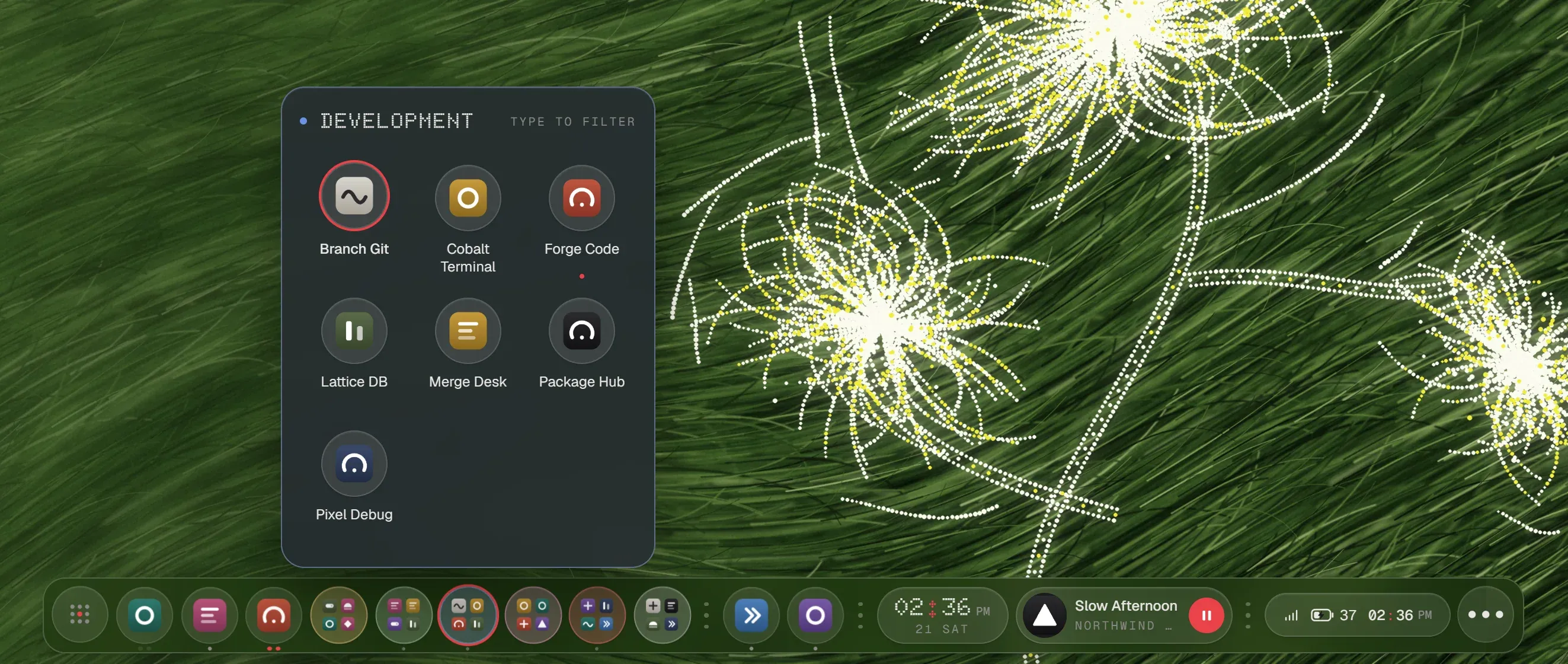
New apps go into stacks such as Productivity, Development and Creative, read from your Start menu and Store apps. No network call and no AI service.
Features
The dock, the island, the home screen and the themes are designed together, as one environment for your Windows desktop. Every picture on this page is the real app.
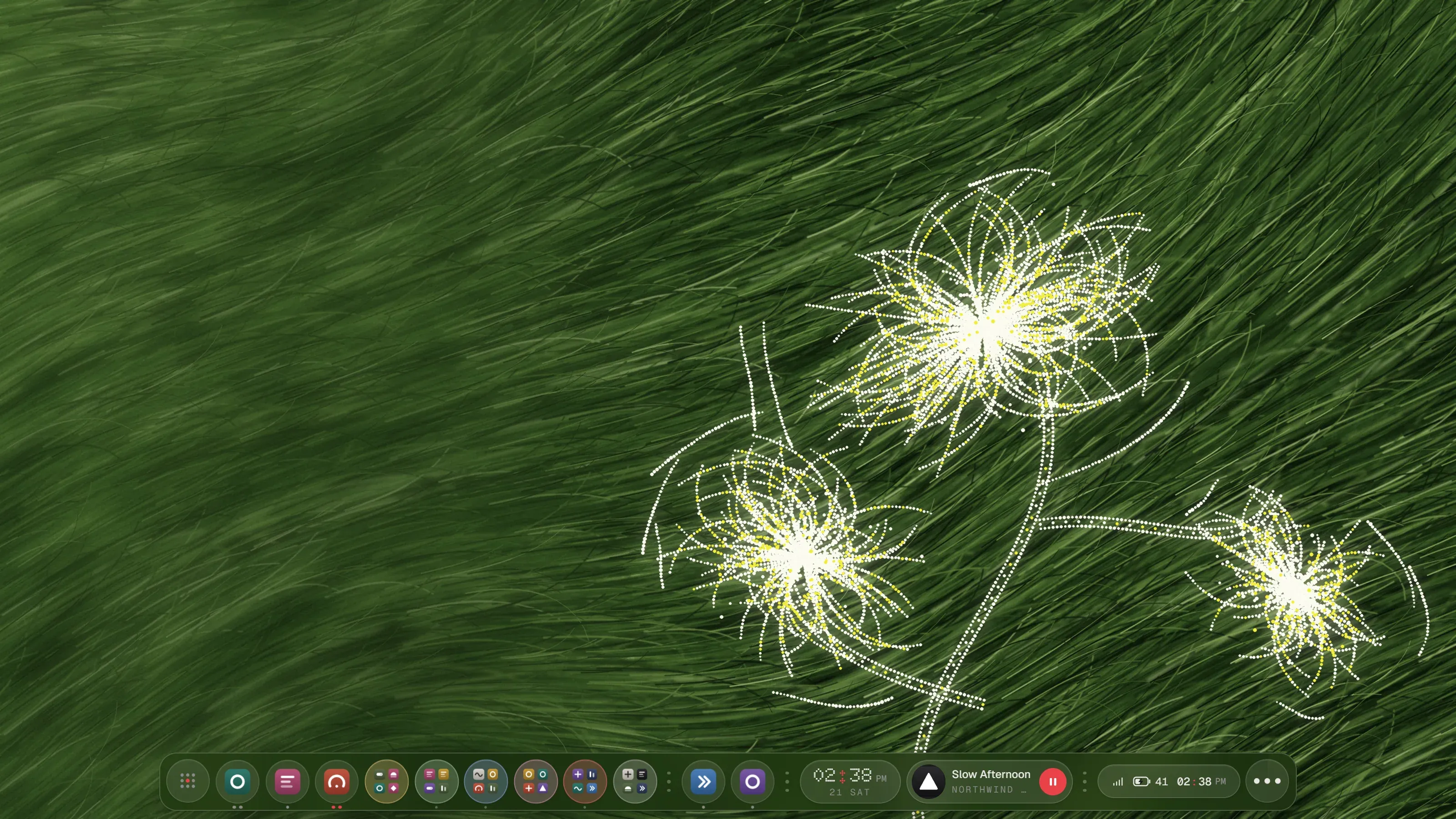
The dockIn version 1
It replaces the Windows taskbar with a floating dock, a full-screen App Library and live tiles, all drawn in the same dots as the home screen.
Stacks
New apps go into stacks such as Productivity, Development and Creative, read from your Start menu and Store apps. No network call and no AI service.
Magnification
Up to about a quarter larger, and still sharp.
Smart categories
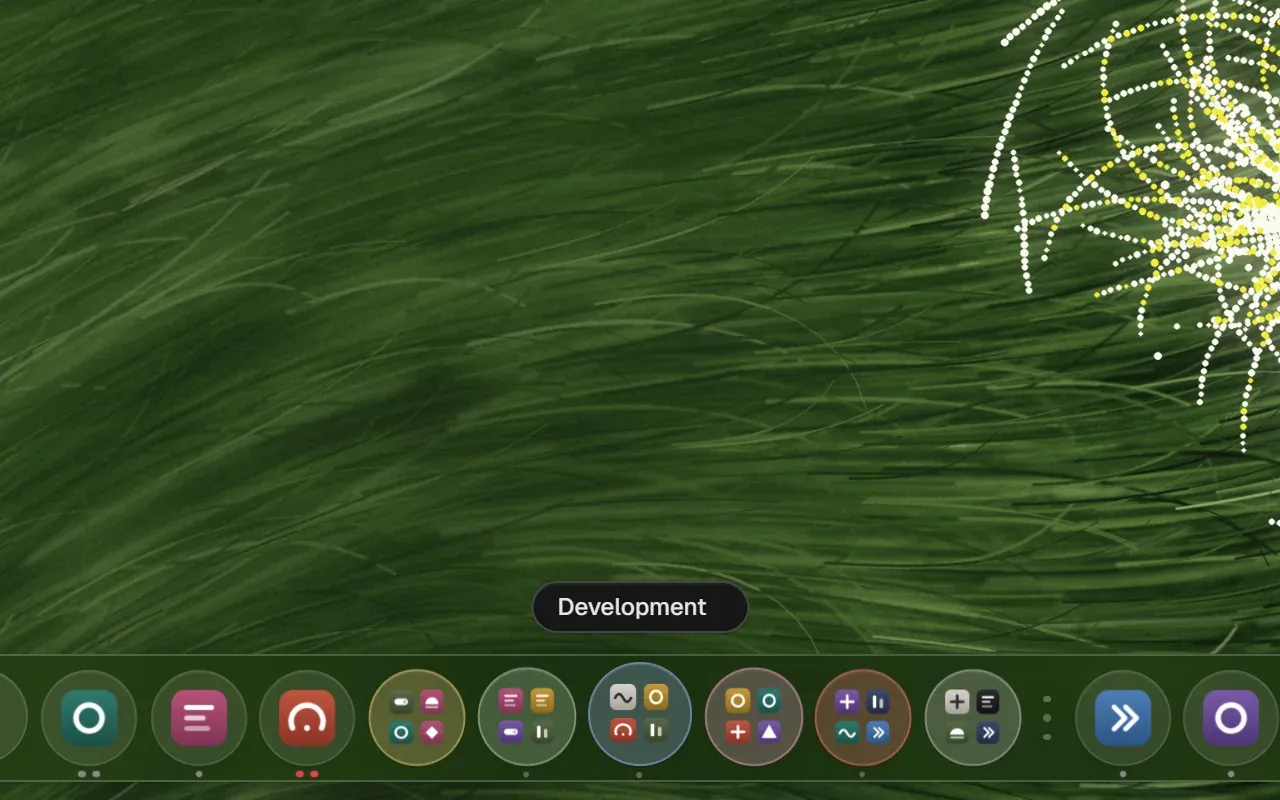
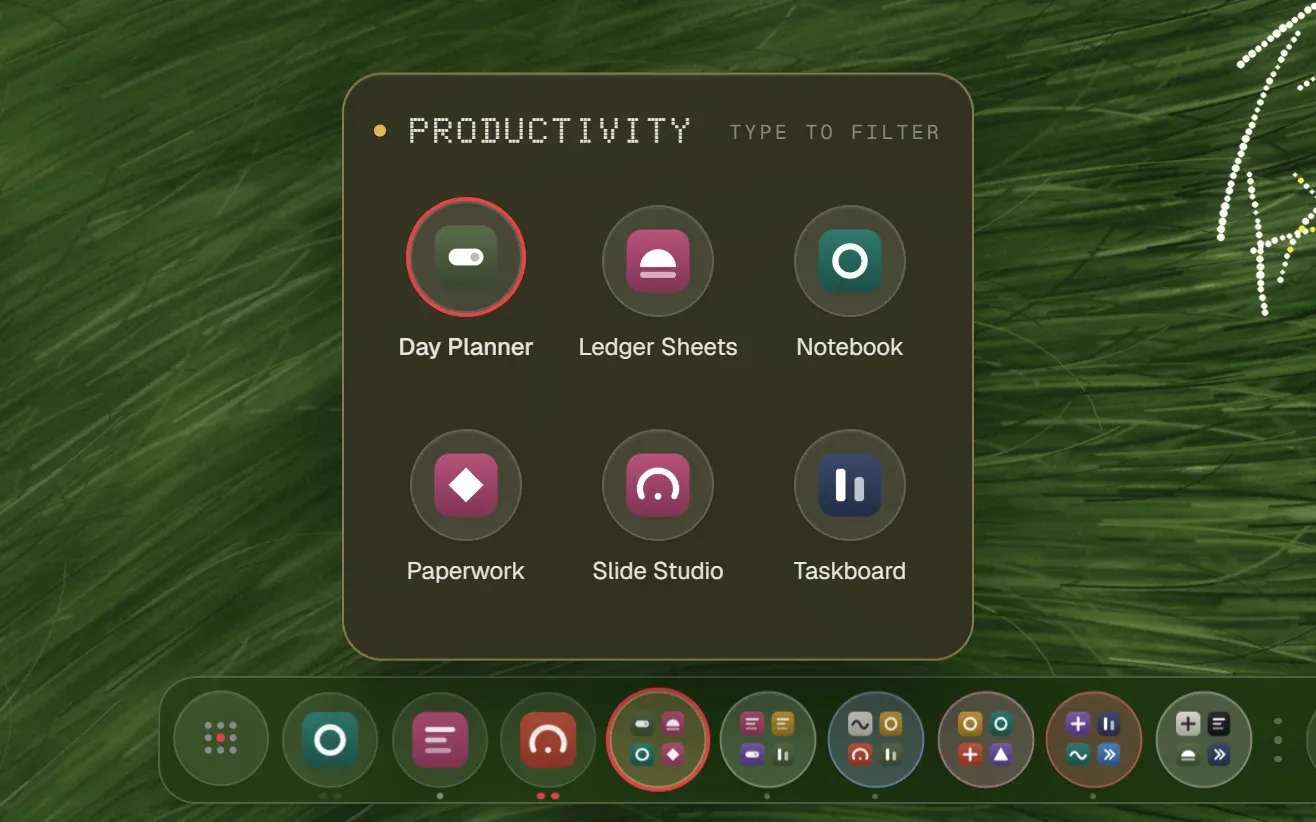
Rename, recolour and reorder stacks, or drag an app into another one.
App Library
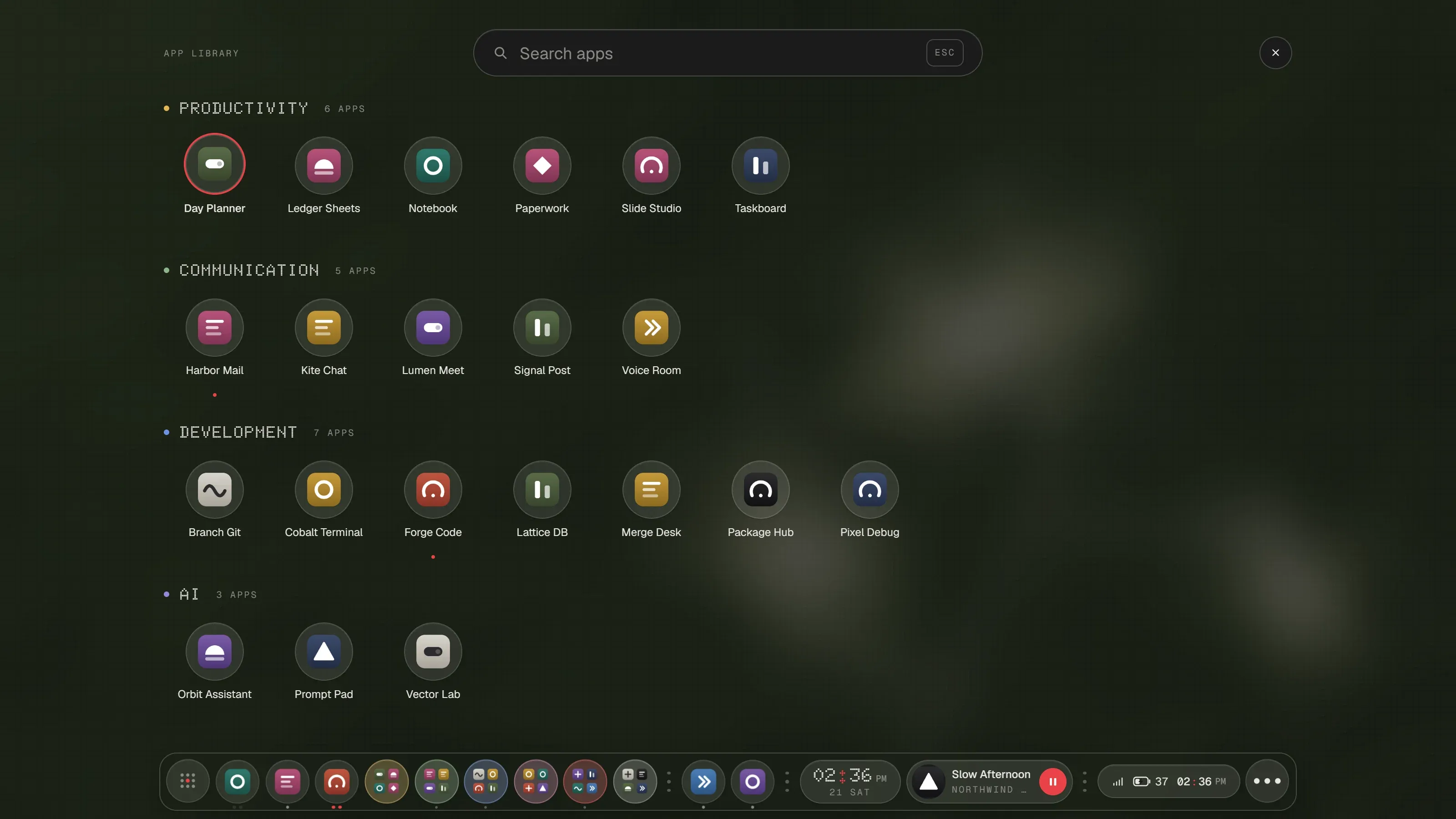
A full-screen view of every category, with instant search across apps, files, a calculator and unit conversion.
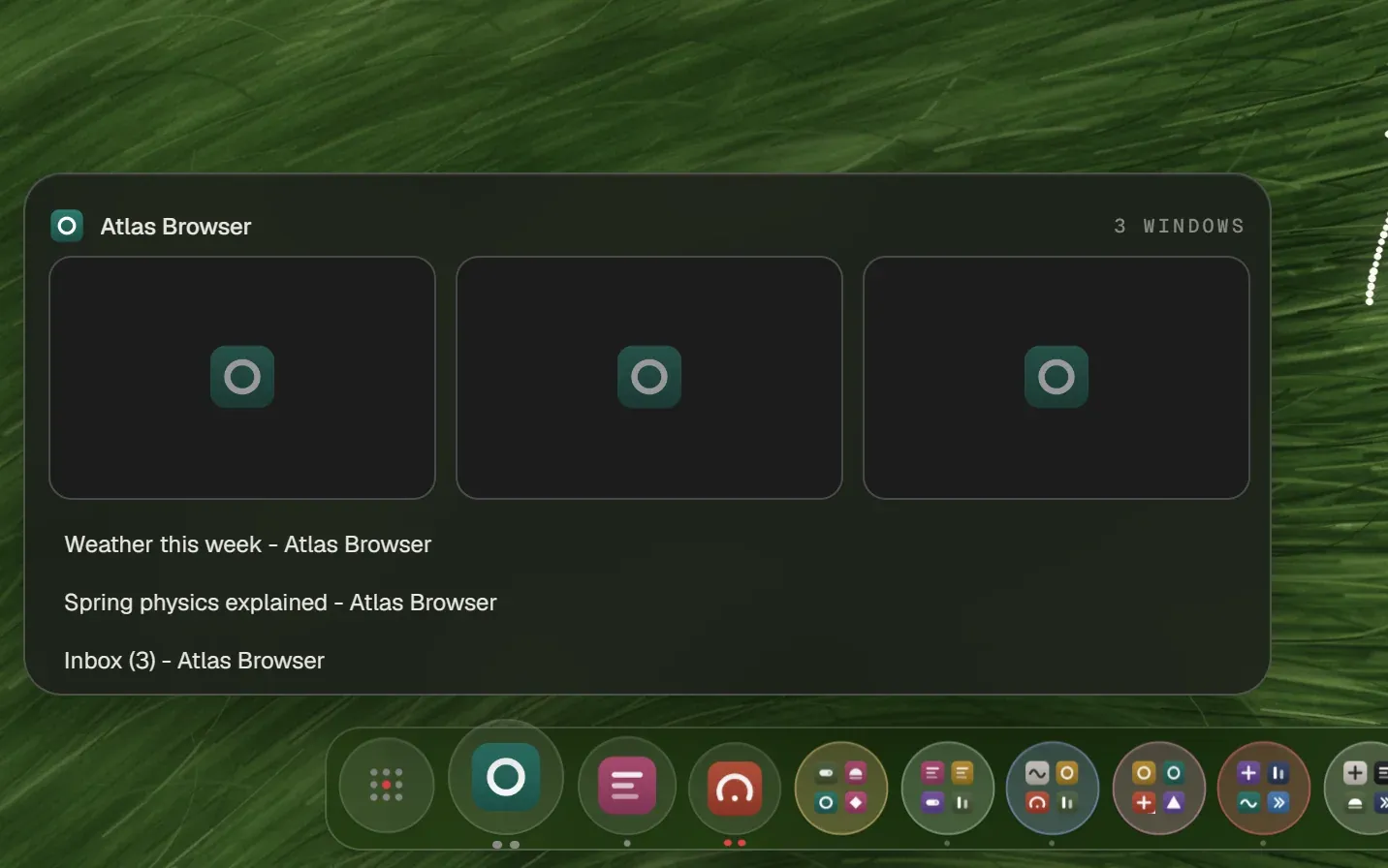
Window previews
A dot under each running app, two for several windows, and live thumbnails on hover.
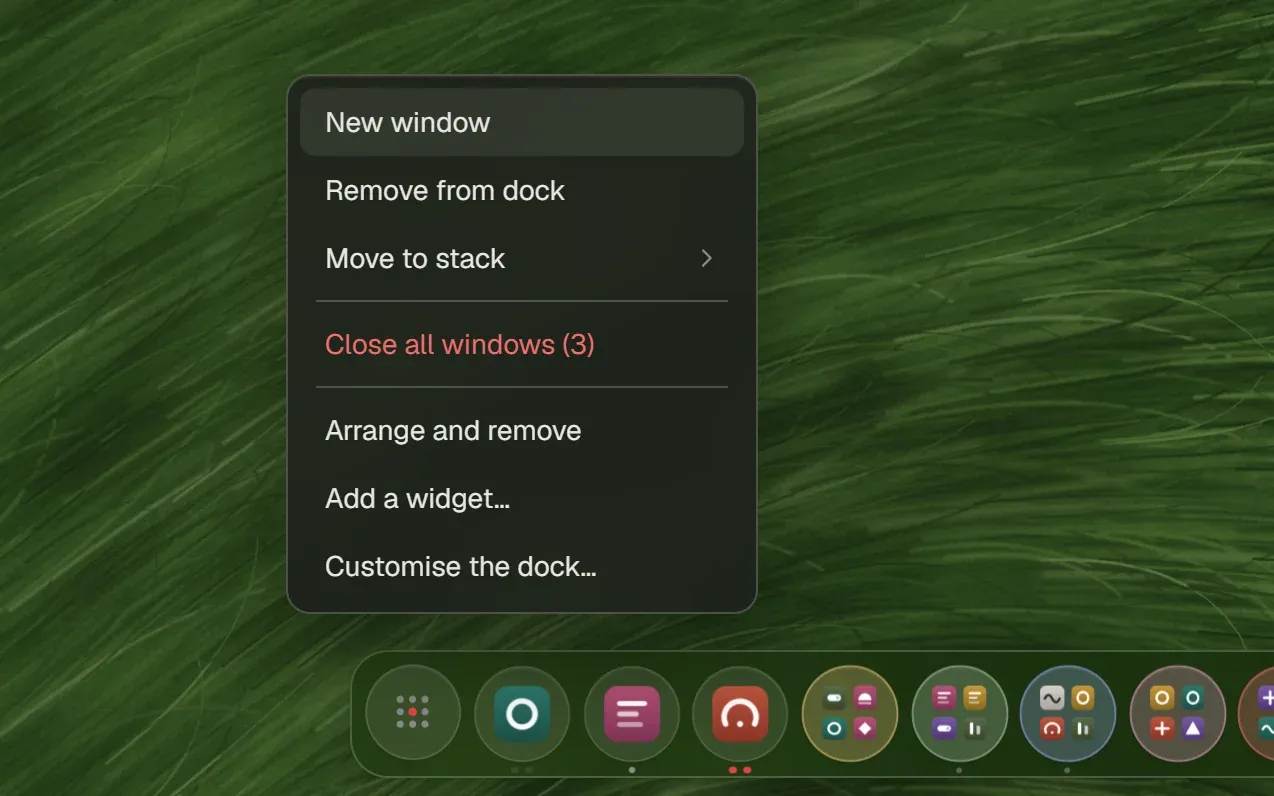
Context menu
A new window, remove it, move it to a stack, or close all its windows.
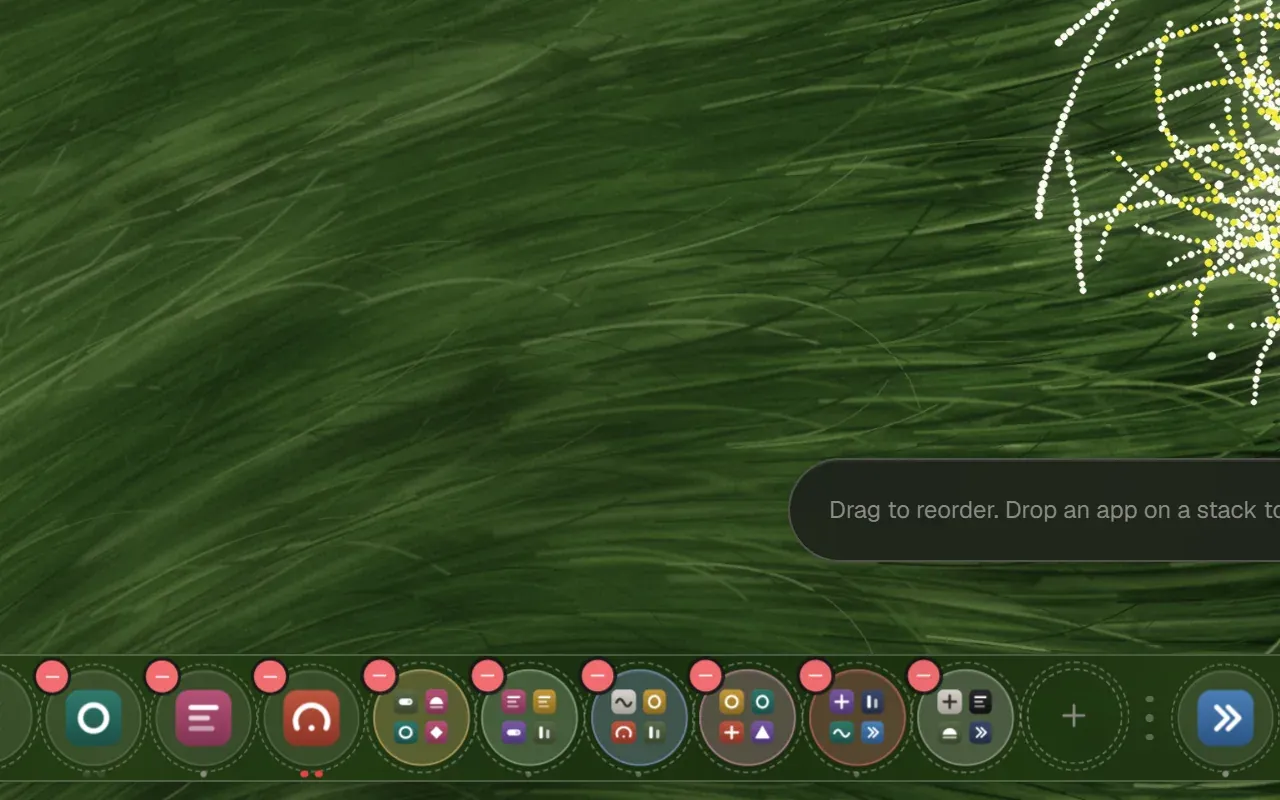
Edit mode
Pin, reorder and remove by dragging. Your layout comes back after a restart.
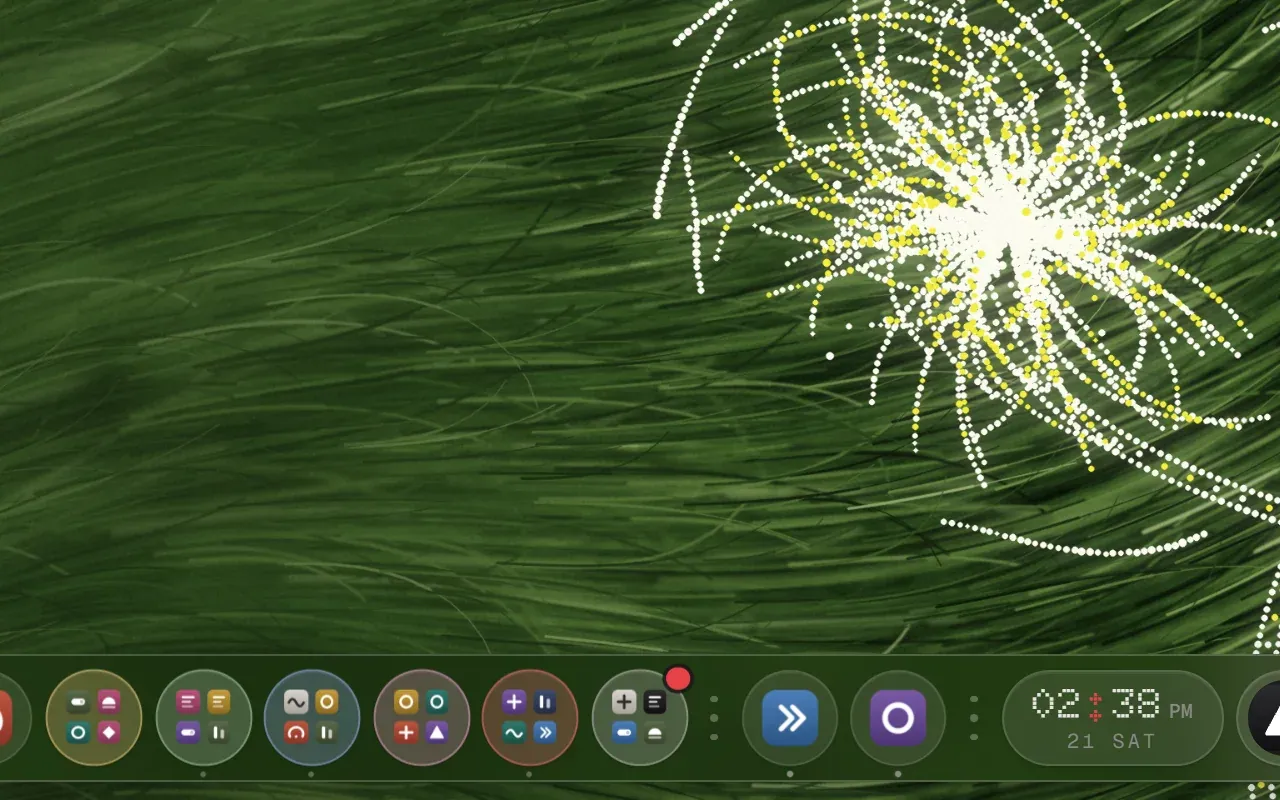
New apps
When you install an app, its stack carries a dot until you open it.
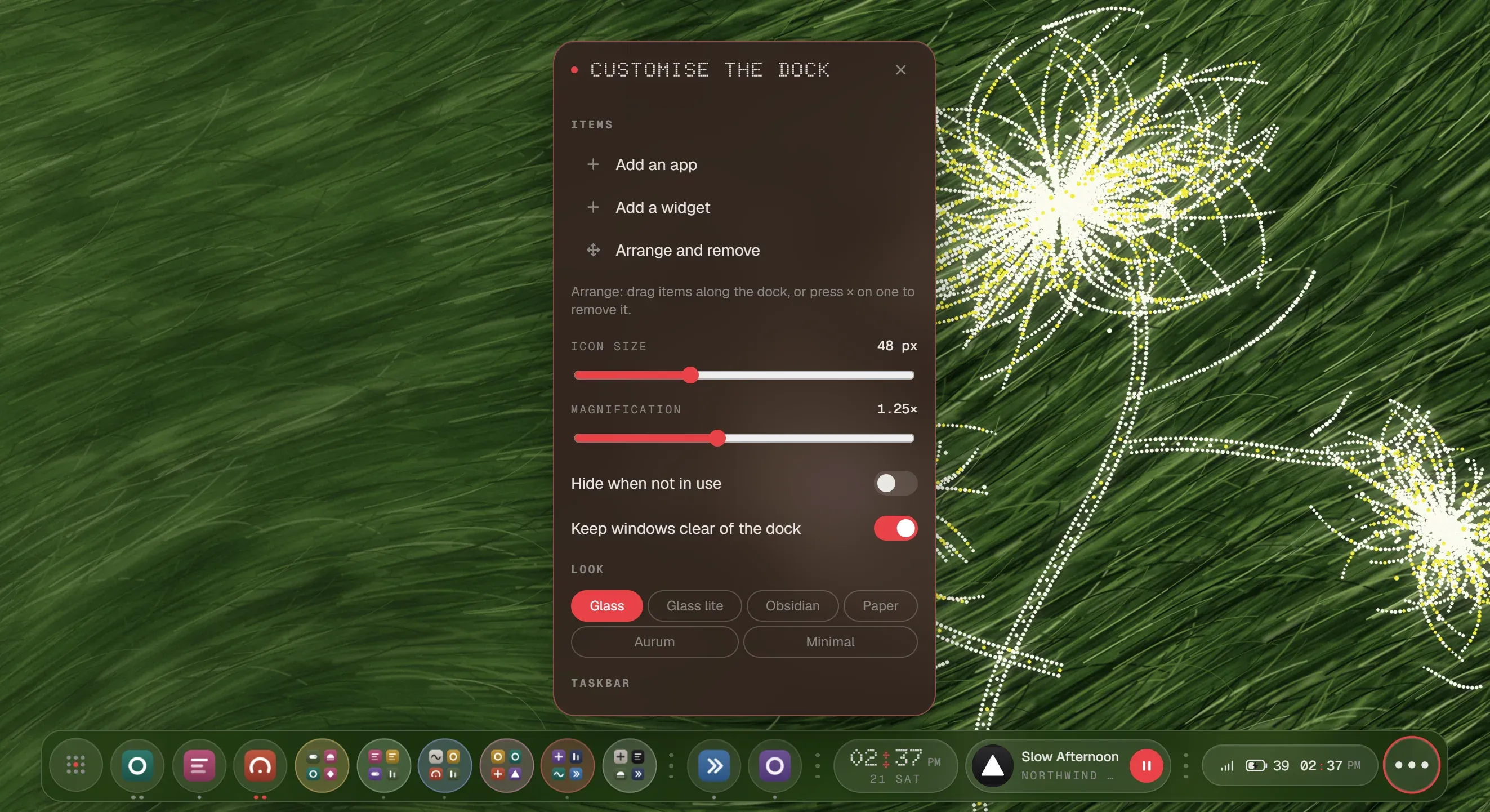
Customise on the dock
Icon size, magnification, the look, hiding when not in use and keeping windows clear of it, in a small panel that opens from the dock. Each change shows on the dock behind it at once.
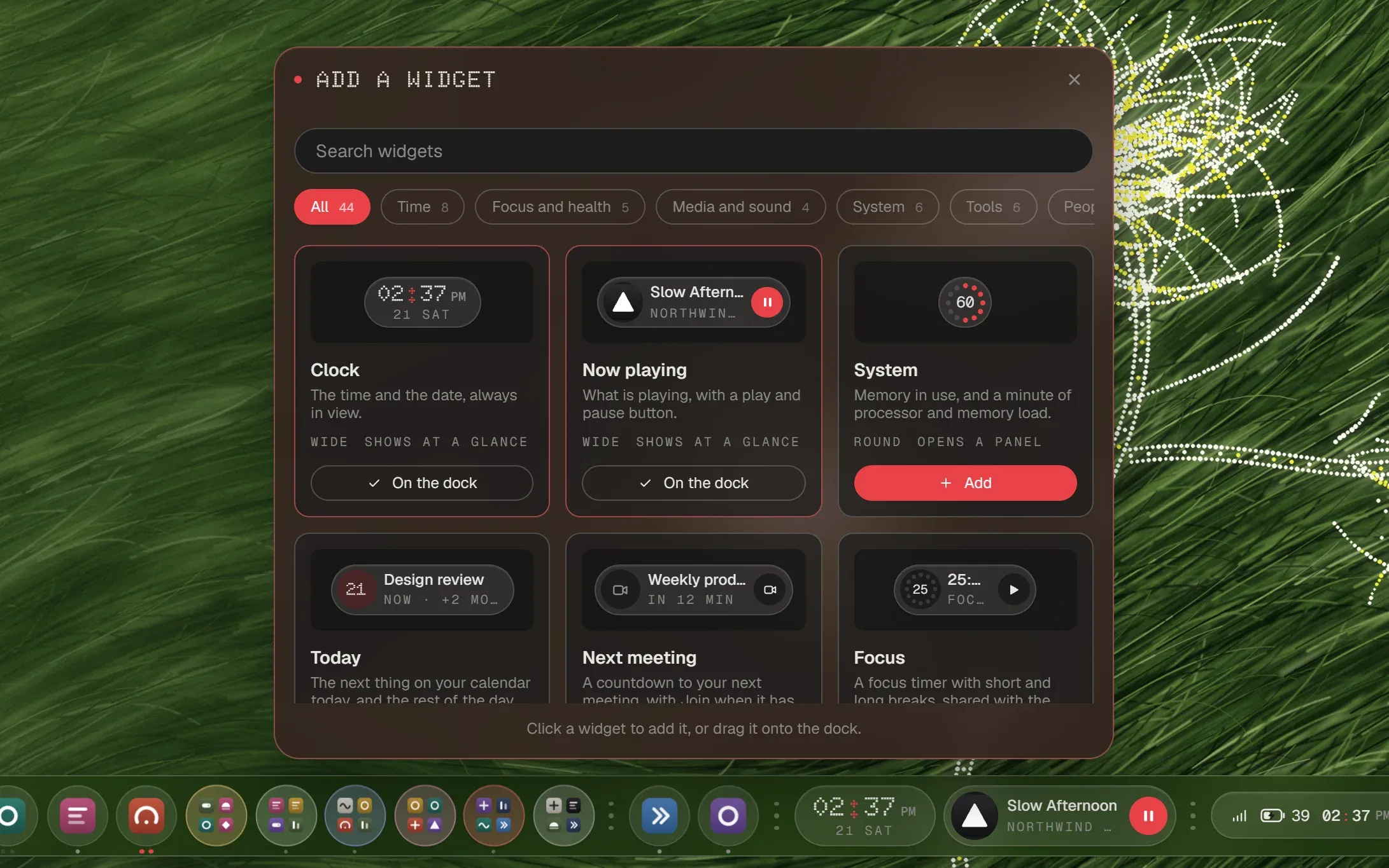
Widgets on the dock
Search or filter, then click or drag one onto the dock.
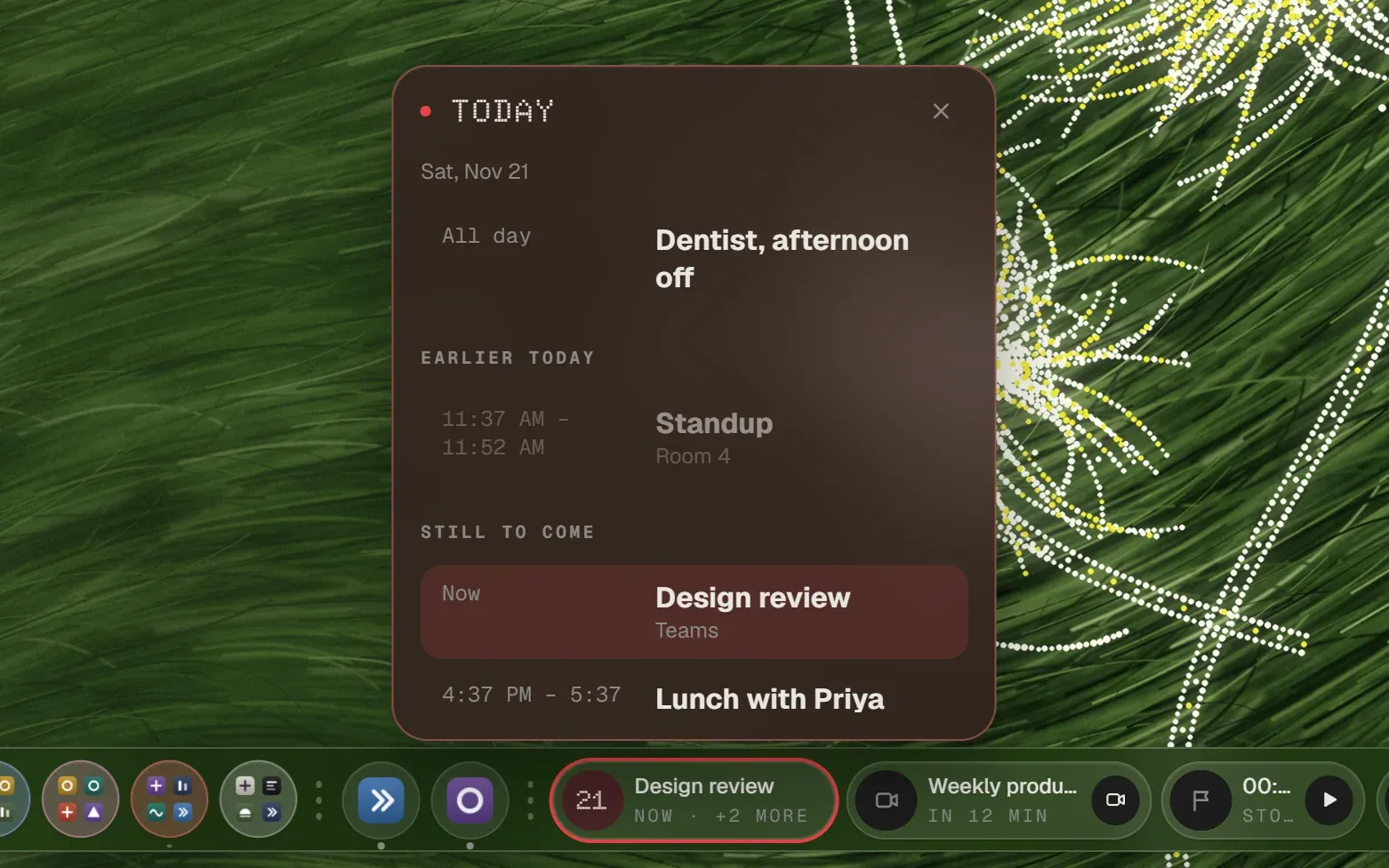
Today
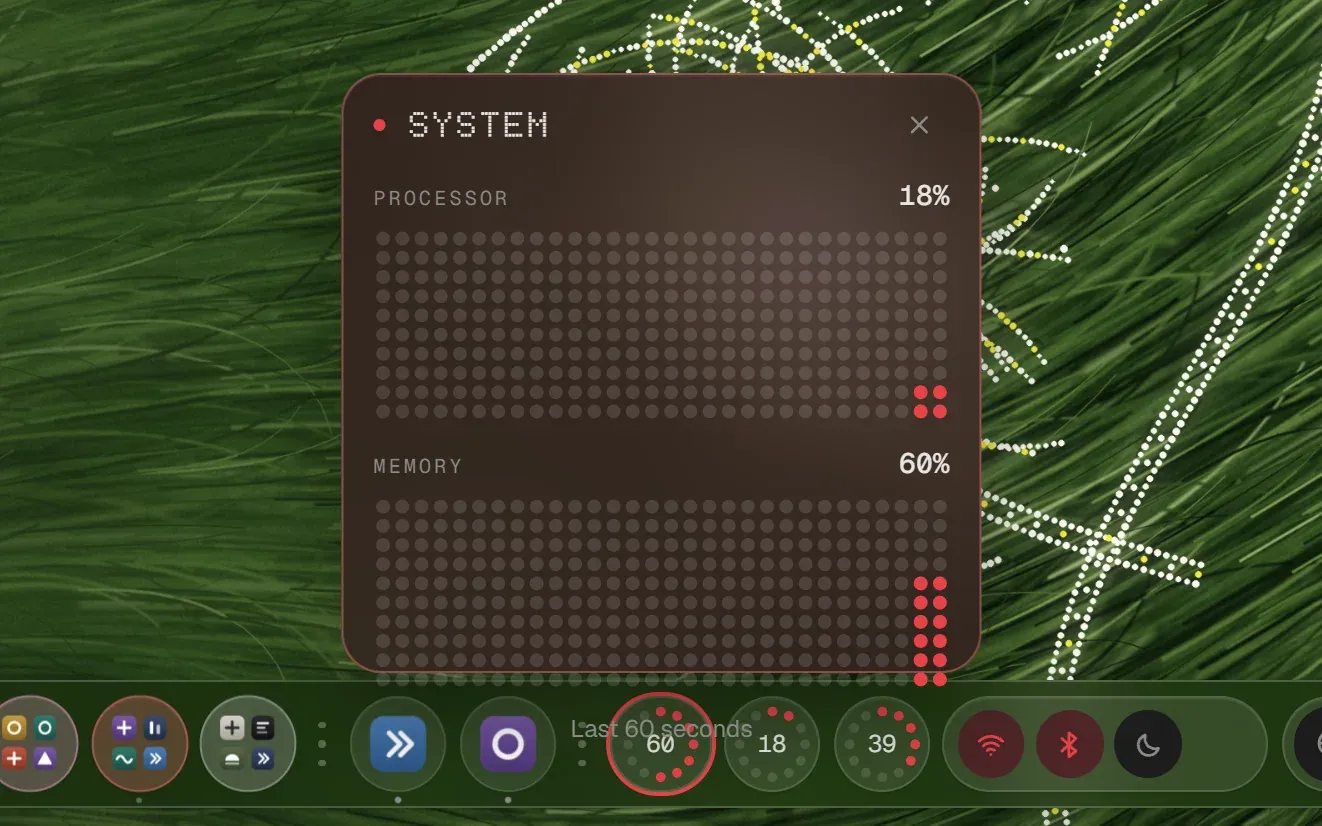
Tiles open a panel with the detail. They read your PC; nothing is made up.
System
Focus
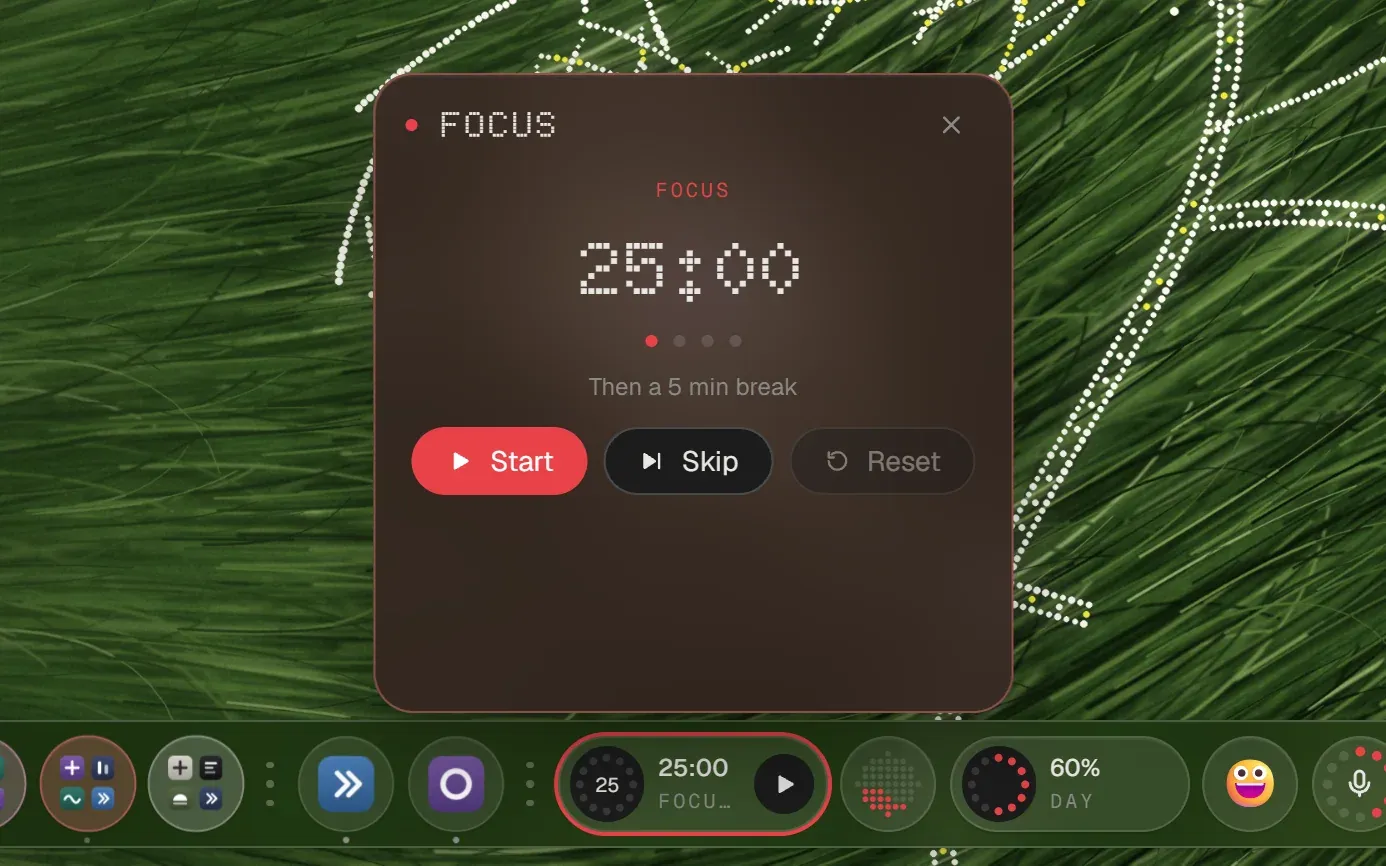
Live tiles
Each row below is the same dock with a different set of tiles, chosen in its settings.

SystemSystem load, processor, battery, quick toggles, world clock

Your dayToday, next meeting, stopwatch, reminders, contacts

OutsideNetwork, sunrise and sunset, wind, flip and analog clocks

ToolsCurrency, web search, history, voice memo, audio devices

FocusFocus timer, water, a progress goal, emoji, microphone
Dock themes
Glass blurs the Windows backdrop behind the dock, and a lighter glass takes over when transparency is off. Obsidian, Paper and Aurum are solid; Minimal shows icons only.

GlassBlurs the desktop behind it

Glass liteFor when transparency is off

ObsidianSolid charcoal

PaperSolid light

AurumWarm and golden

MinimalIcons only
Replaces the taskbar, safely
A watchdog brings the taskbar back however the app exits, and one click returns you to stock Windows.
The agent islandIn version 1
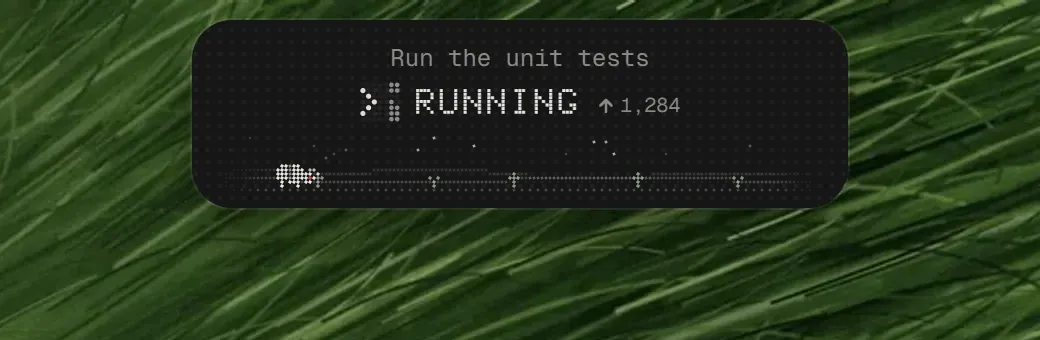
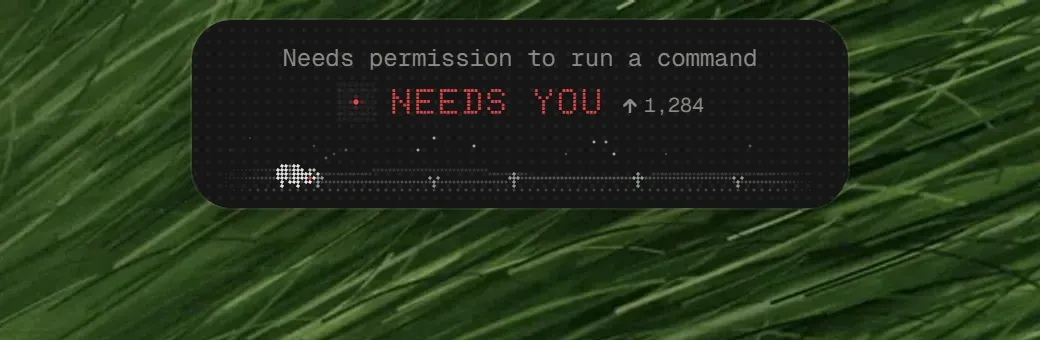
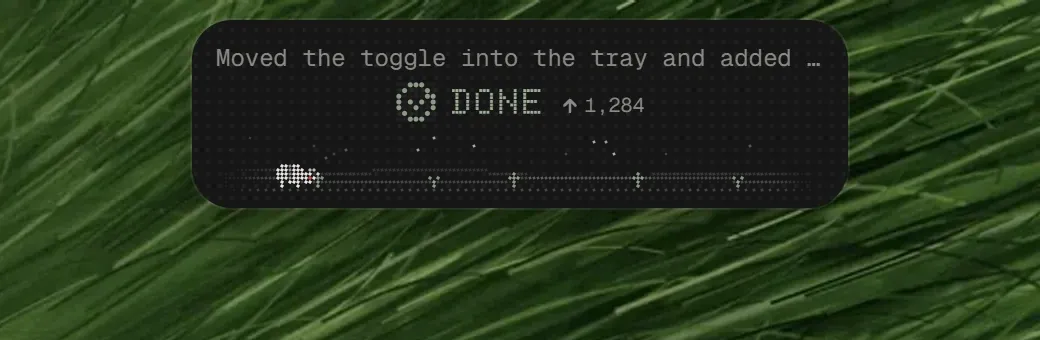
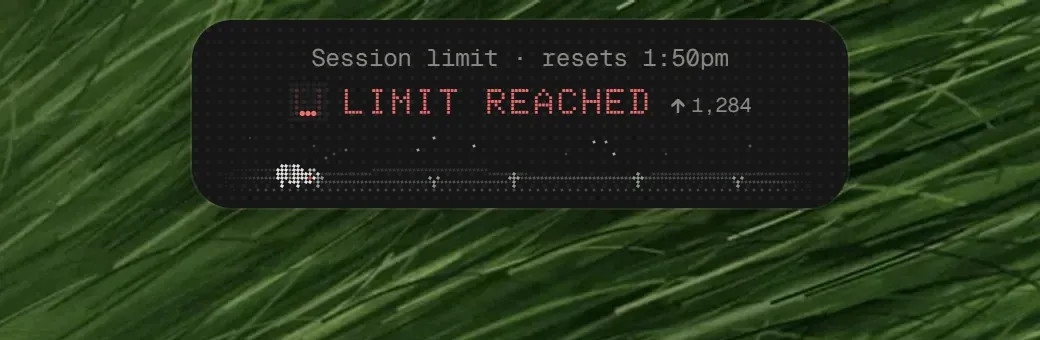
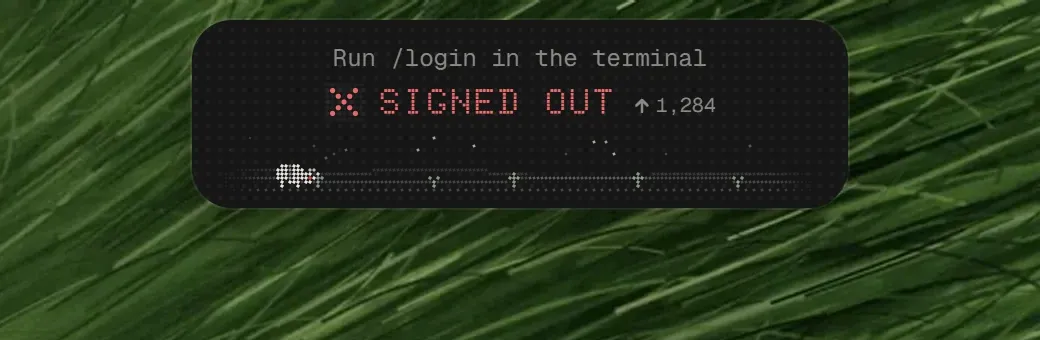
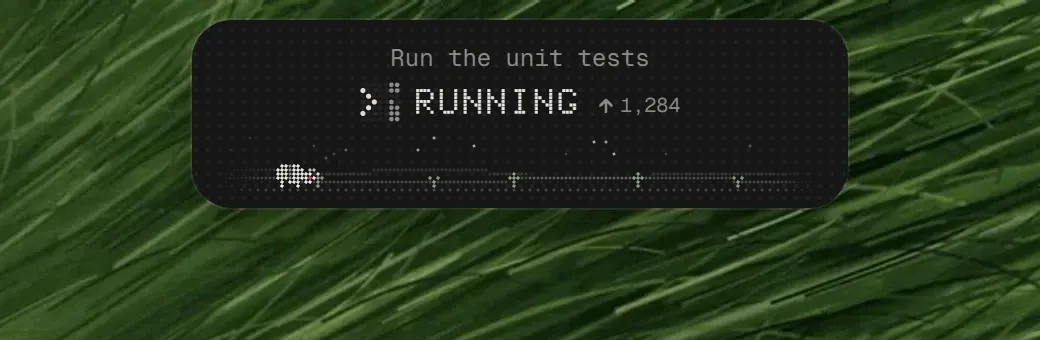
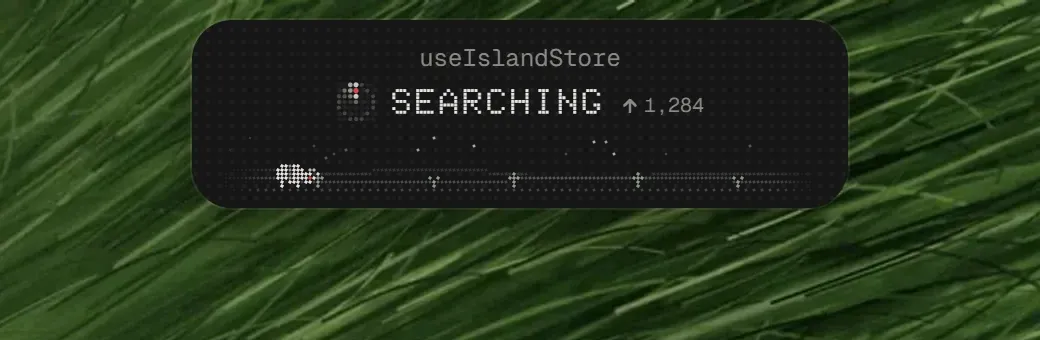
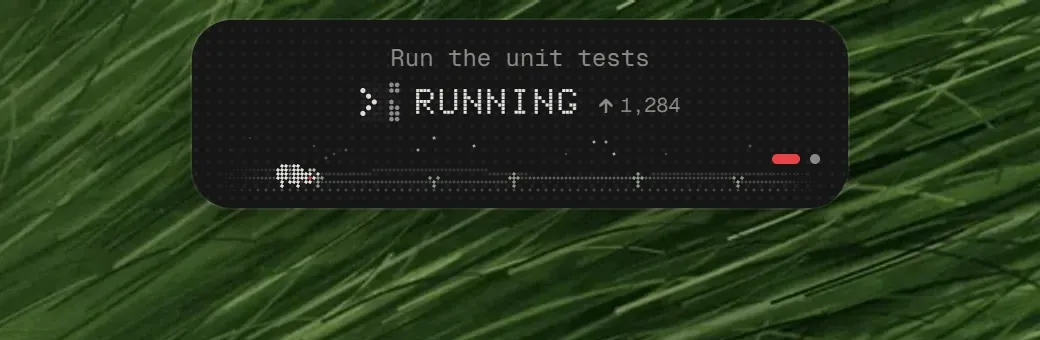
A notch at the top of the screen shows what your coding agent is doing, so you can look away from the terminal and still know. It follows Claude Code, Codex, Copilot CLI and OpenCode, and any other agent through an open protocol. Click it to jump to the right terminal.
Claude Code
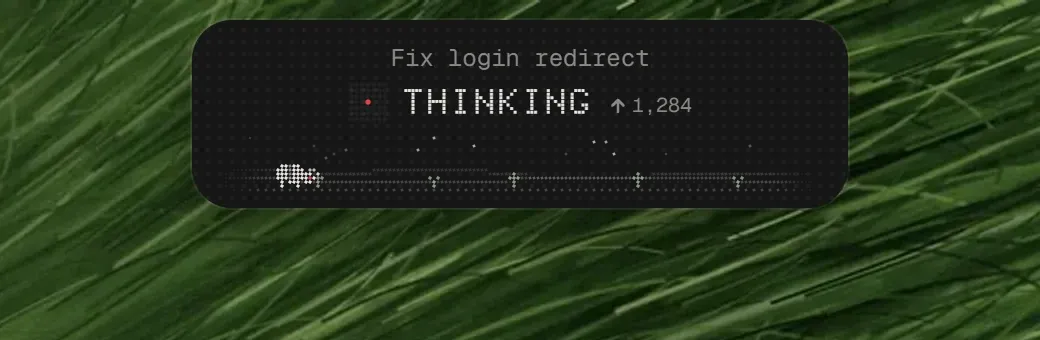
Reading
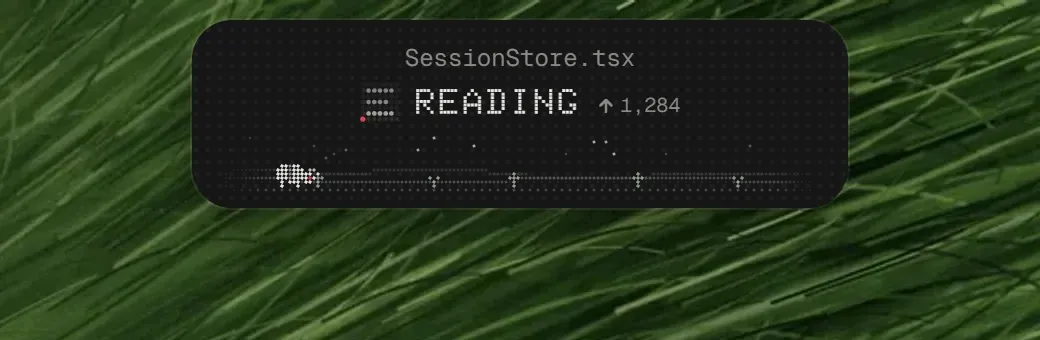
Running
Needs you
Done
Usage limit
Signed out
Codex
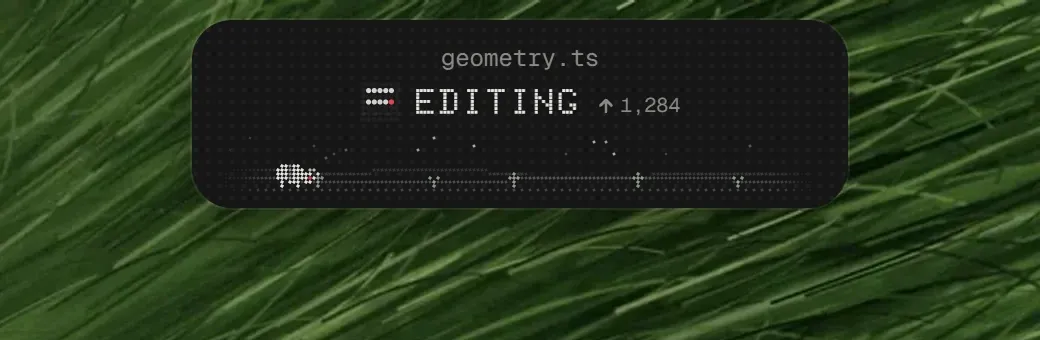
Copilot CLI
OpenCode
Two at once
The home screenIn version 1
Placed on a snapping grid and drawn in dots. The widgets below are live on this page where your browser can supply the data; a hollow dot marks a sample value.
Clocks
Always in step with your PC.
Photo
Edge to edge or fitted, in colour, black and white or the theme's accent.

Battery
Memory
Focus
Media
What is playing, with controls.
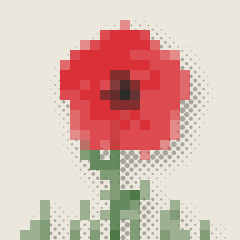
Disk
Free space on your system drive, read from your PC.
ThemesIn version 1
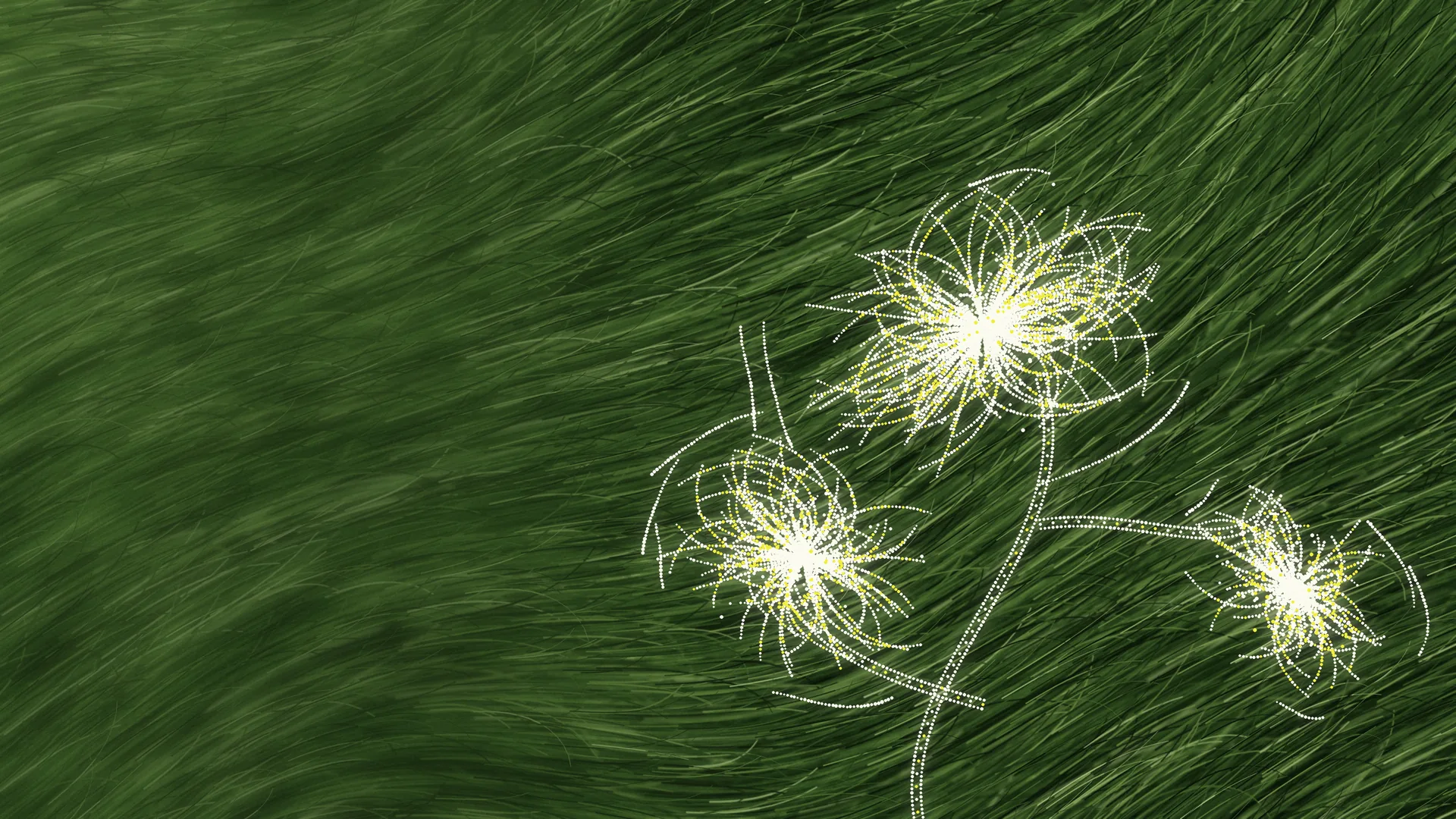
The home screen, the dock and the island change together. Pick Obsidian, Paper or Aurum, or choose a picture and dotDock draws the palette for the whole desktop from it.


Paper


Obsidian

Aurum
dotDock v1.0.2. Free and open source, GPL-3.0-or-later.


